
 AI Summary
Kerala government's Samagra KITE portal at samagra.kite.kerala.gov.in is a digital learning platform built by KITE (Kerala Infrastructure and Technology for Education). It brings together question bank, e-learning, textbooks and study content for students from class 1 to class 12 in one place.
The portal is a joint effort of KITE and the State Council of Educational Research and Training (SCERT) Kerala to support ICT-based education in the state. Over the years, it has grown into Samagra Plus, which now adds AI-powered learning tools, smart classroom content and entrance exam preparation for higher secondary students.
Samagra KITE Kerala Portal Registration / Login
Samagra KITE Kerala portal gives students a single place to access question papers, e-books and digital study content. The official link to open the portal is https://samagra.kite.kerala.gov.in/#/home/page
On this portal, school exam question papers can be prepared for term and annual exams from the question bank. Public exams are also conducted on the basis of this question bank. Students, teachers, schools and experts can register to share solutions and interact with each other.
Registration at Samagra KITE Portal
STEP 1 - Visit the official website at samagra.kite.kerala.gov.in or click on https://samagra.kite.kerala.gov.in/#/home/page
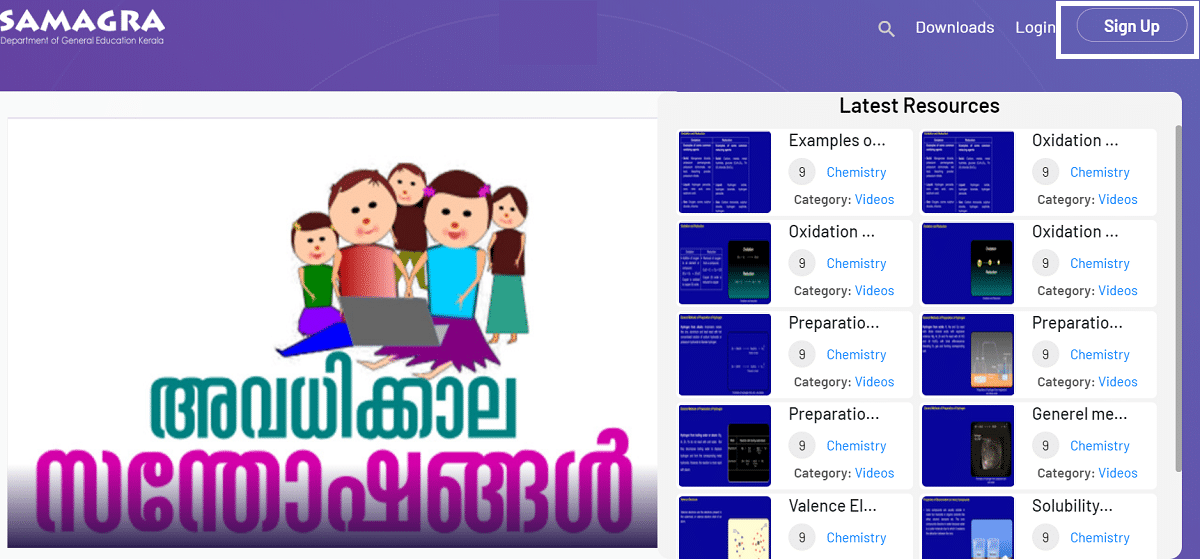
STEP 2 - On the homepage, click on the 'Sign Up' link or directly open https://samagra.kite.kerala.gov.in/#/signup/page
STEP 3 - The Samagra portal registration form will appear as shown below:
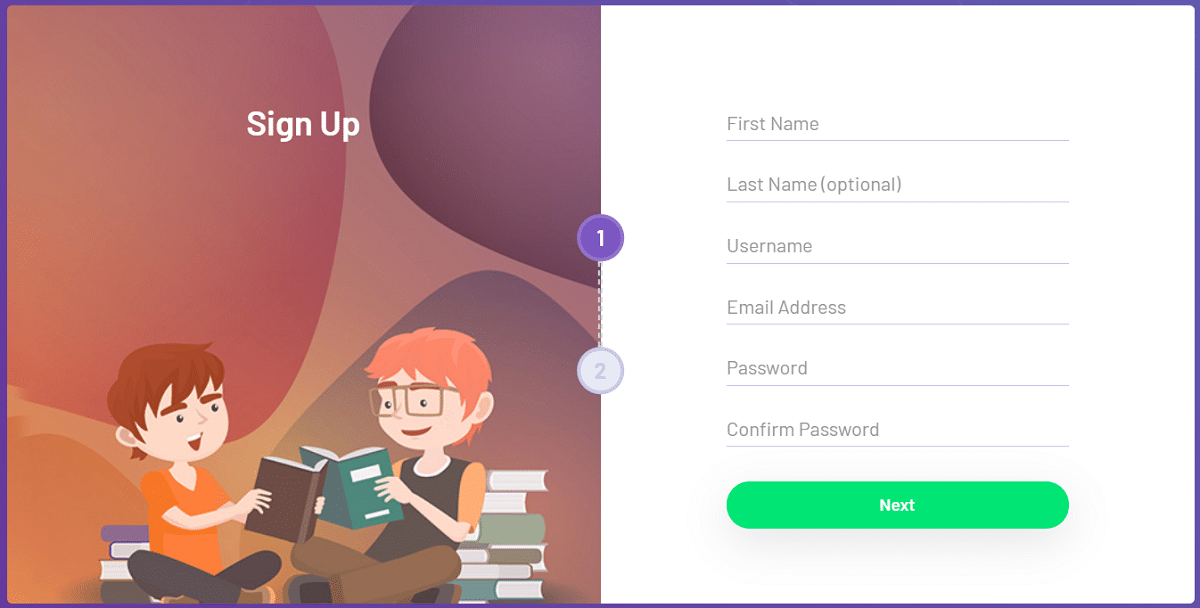
STEP 4 - Enter the required details like name, username, email address and password in the sign up form.
STEP 5 - After filling the details, click the "Next" button at the bottom of the form. Then enter the "Permanent Employee Number", phone number, select subject, category, district and school, and click the "Sign Up" button to finish the registration.
STEP 6 - Once this is done, the registration on the Samagra portal is complete.
Login at Samagra KITE Kerala Portal
STEP 1 - Open the official website at samagra.kite.kerala.gov.in or click on https://samagra.kite.kerala.gov.in/#/home/page
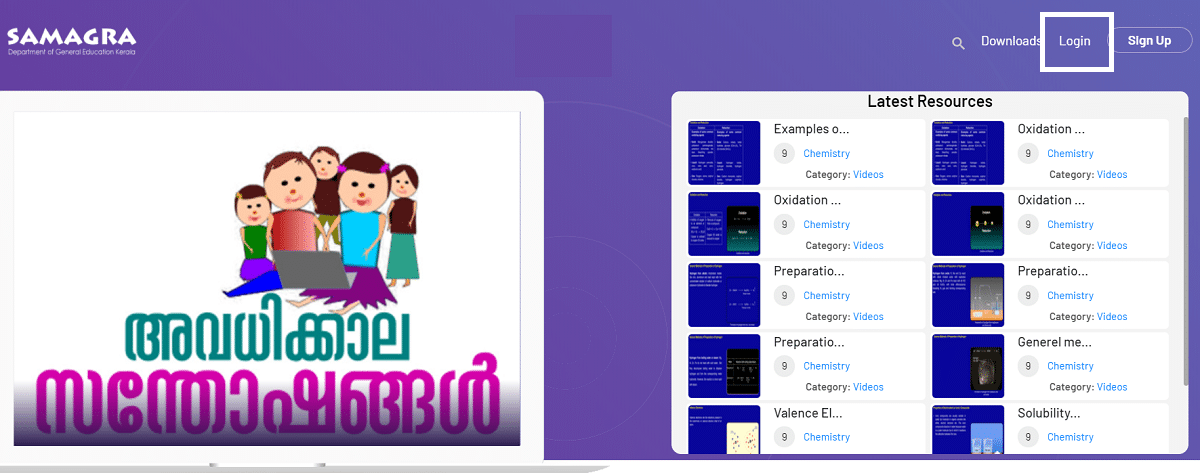
STEP 2 - On the homepage, click on the 'Login' link to open the Samagra portal login page.
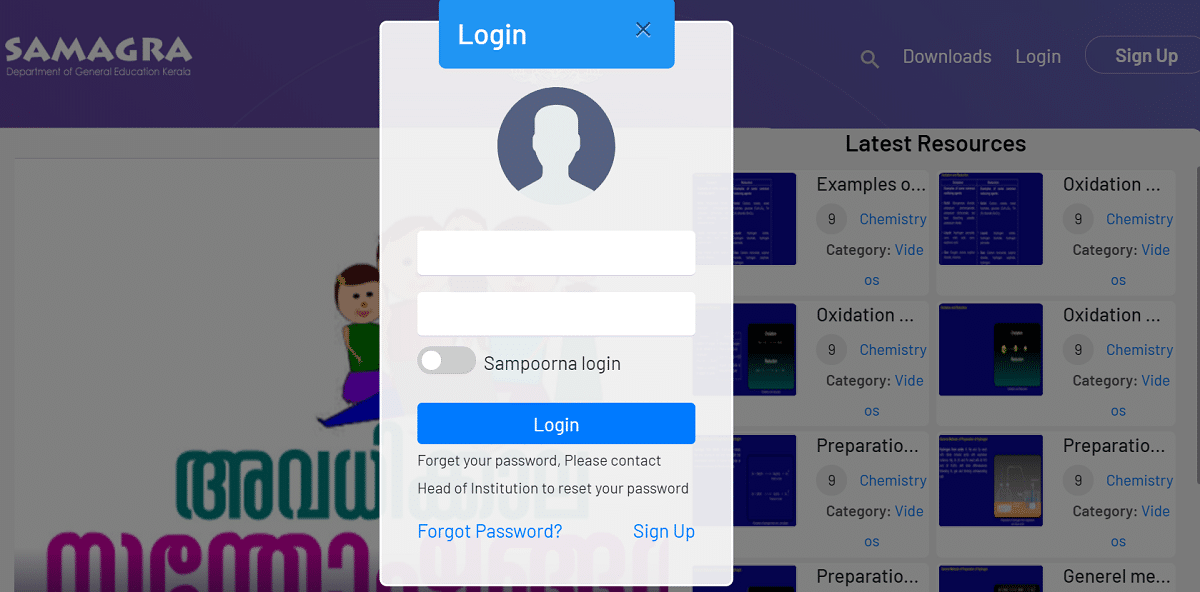
STEP 3 - Enter the username and password, then click the "Login" tab to complete the login process.
After login, students can use the services offered by the Kerala school department. Higher secondary and vocational higher secondary students can also log in with their Single Window Admission ID to access Samagra Plus learning services.
Services Provided by Samagra Portal
Samagra portal offers a range of digital services for students and teachers. The main services are:
- Edutainment (അവധിക്കാല സന്തോഷങ്ങൾ) - Educational and recreational activities for school students
- e-Resources for Kids - Digital learning material made to improve the teaching and learning experience
- General Resources - Stories, poems, experiments and videos
- e-Resources - Subject-wise digital learning content
- Question Pool - Subject-wise question bank that helps the evaluation process
- Text Books - Soft copies of SCERT Kerala textbooks from class 1 to 12
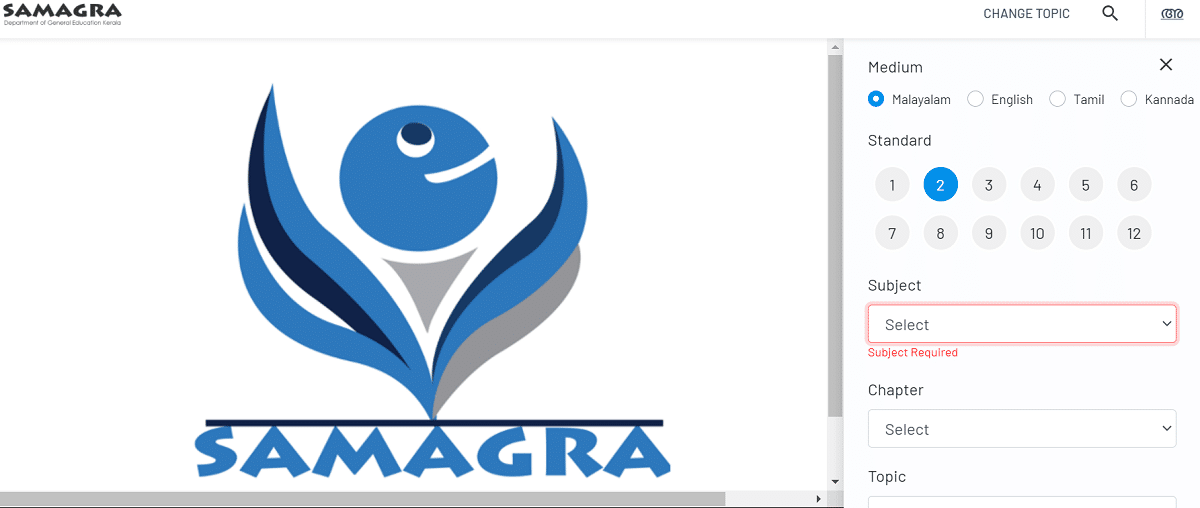
Samagra KITE Kerala Portal e-Resources
Students can click on the e-resources icon on the Samagra portal to open the e-resources section. The content is available in Malayalam, Tamil, Kannada and English. Students can download e-textbooks of all subjects in these four languages from class 1 to class 12.
The e-resources section gives students audio, video, notes, a discussion forum and other resources to discuss topics. Students can view content on any topic in any subject as shown below.
Samagra KITE Kerala Textbook PDF Download
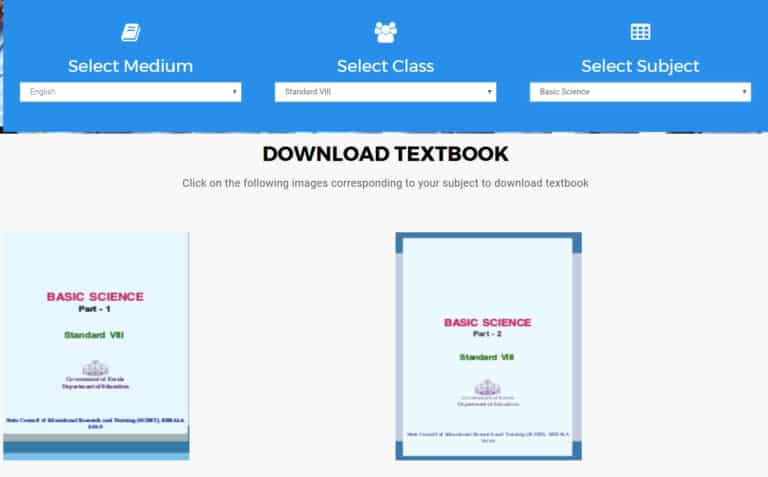
Students can click on the textbook icon on the homepage of the Samagra portal. Direct link - https://samagra.kite.kerala.gov.in/#/textbook/page. A new textbook page will open where students can select medium, class and subject to download the textbooks as shown below.
In the main menu of the Samagra portal, registered users can click on the Moodle link to access the question bank and practice papers. This is a public exam where most questions are based on the pattern of competitive exams.
Samagra Plus AI Features
In 2026, the Samagra portal has been upgraded with Samagra Plus, an AI-powered learning ecosystem built by KITE. It adds AI-based quizzes, instant feedback, personalised study plans and more than 5,000 AI-generated, teacher-vetted learning resources. The KeyTo Entrance tool provides over 30,000 AI-generated questions to help higher secondary students prepare for entrance exams.
Samagra Plus also includes a Teaching Manual generator, multilingual translation through BHASHINI, an AI chatbot for concept explanation, a quiz generator and speaking practice tools. These features are made for both students and teachers in the classroom.
Samagra Portal Highlights
| Detail | Information |
|---|---|
| Portal Name | Samagra KITE Kerala |
| Developed By | KITE (Kerala Infrastructure and Technology for Education) |
| State | Kerala |
| Beneficiaries | Students from class 1 to 12, teachers and schools |
| Main Services | Question pool, e-resources, textbooks and e-learning |
| Official Website | samagra.kite.kerala.gov.in |
For teacher login, syllabus and answer key details, check the Samagra Kerala guide. Teachers and students can also use KITE's KOOL online learning platform for training courses.
question bank for all subjects in English medium
kamala singh kharadi
AM INTERESTING THE QUESTION BANKS
good
question bank for all subjects in English medium